
Flagship landing page
Feature priority projects prominently instead of making every project compete equally.
Help buyers understand the project visually, check the right context, take action and move that interest into a managed sales workflow.
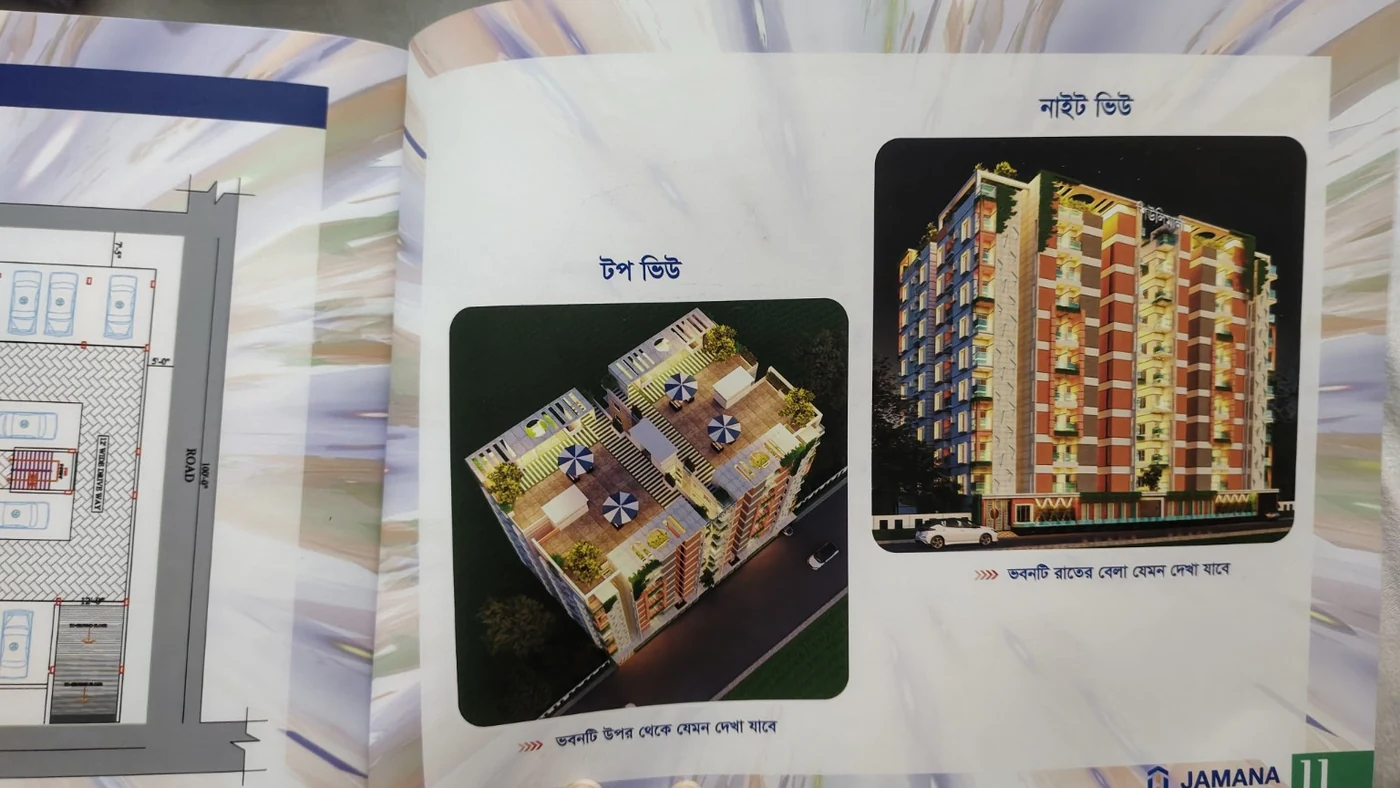 Buyer-facing project experience
Use the right visual, availability and conversion tools at each stage of the buyer journey.
Feature priority projects prominently instead of making every project compete equally.
Keep all published developments available for buyers who want to compare projects.
Show project location, route, nearby landmarks and travel context.
Present exterior renders, proposed design, floor plans, interiors and amenities.
Use a compatible model to help buyers understand towers, floors and overall design.
Show compatible panorama or tour content for important project spaces.
Connect public availability to internal inventory so information stays consistent.
Use callback, brochure and site-visit actions at the right points in the page.
Capture source and UTM information so management can understand enquiry sources.
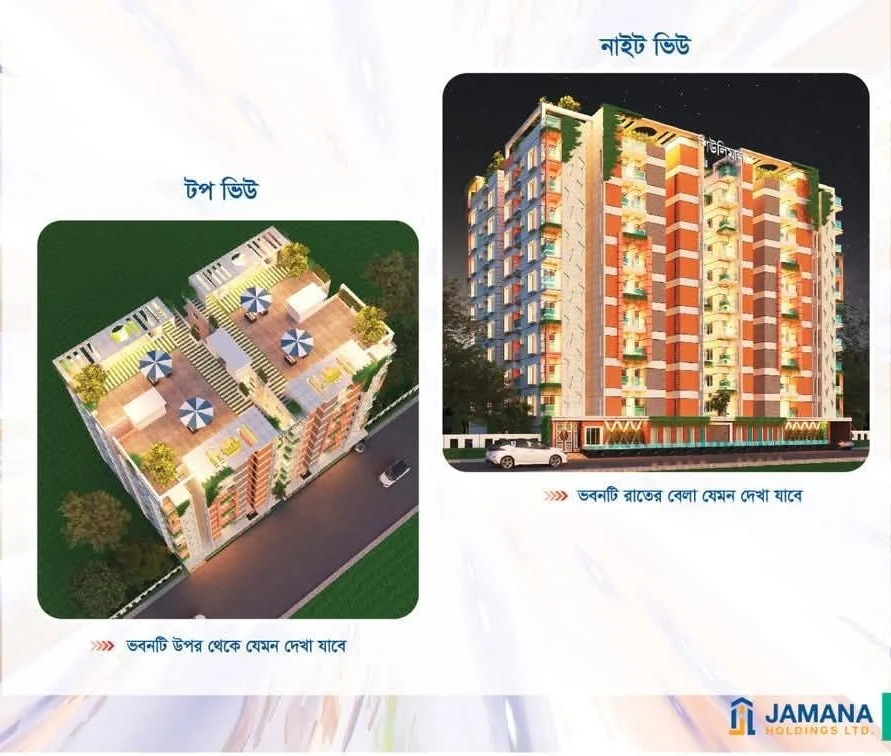
Help a buyer understand the project before asking them to fill a form.
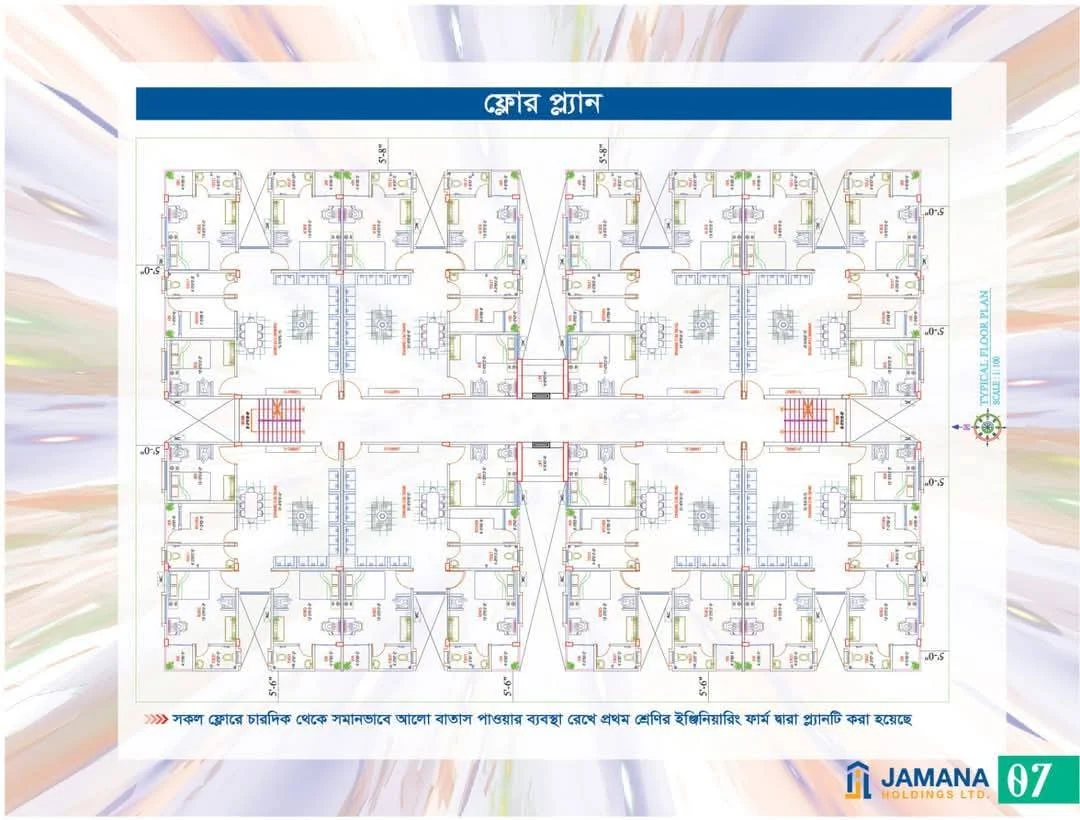
Connect the visual layout with the inventory story instead of showing a static brochure alone.
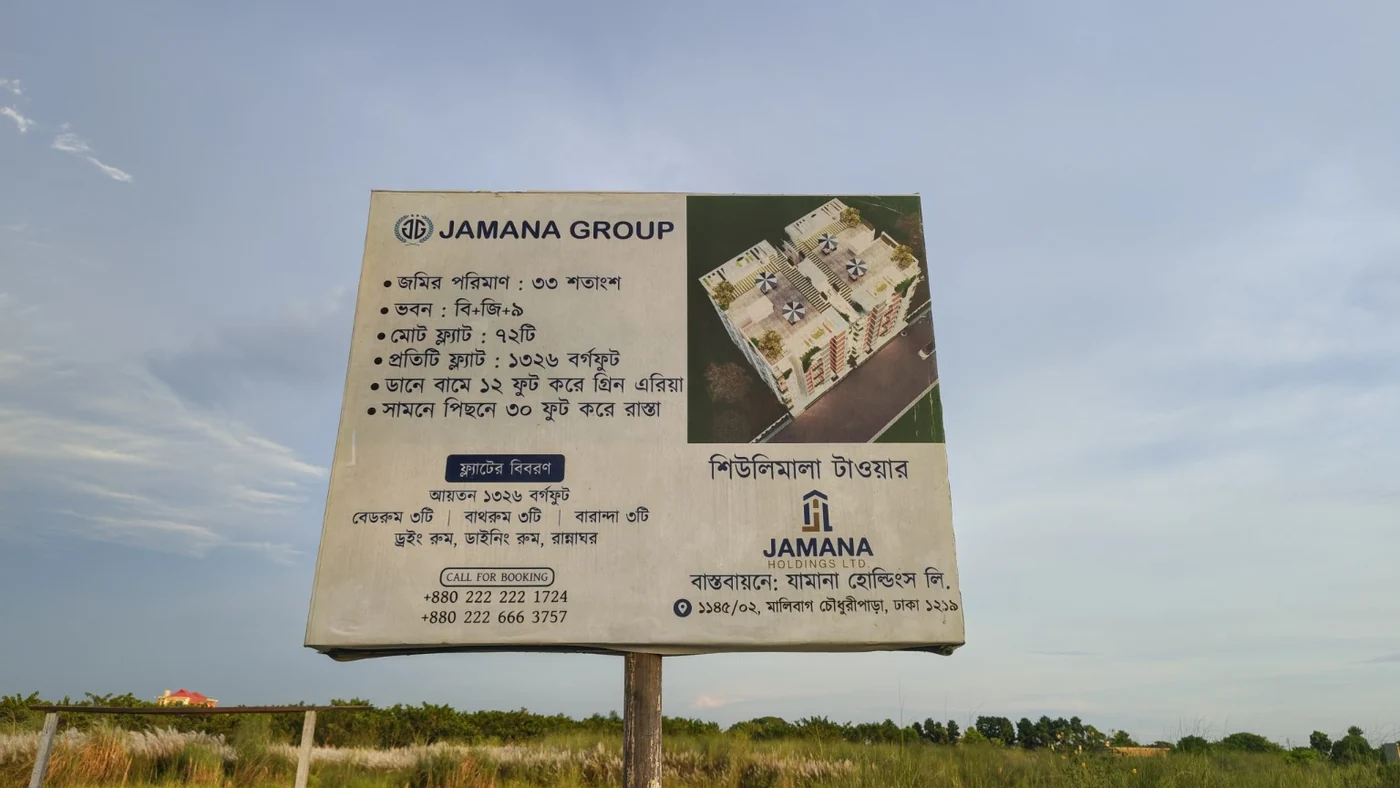
Move buyer interest into a trackable enquiry that your sales team can follow up.
Lead with the strongest project story, then move the buyer toward comparison, detail and conversion.
Promote the priority project with one clear action.
Show priority projects with availability and visual context.
Offer the full portfolio for comparison.
Location, plans, gallery, 3D, 360, brochure and live units.
Turn interest into callback, site visit or CRM follow-up.
Use this page and the project portfolio to explain the development, availability and buyer journey. When you also need paid media, video, direct-response campaigns or lead generation, Think Digita Marketing Services can bring qualified prospects into the same flow.